
Several businesses
One Portal can hold several brands. Each gets its own folder, its own settings, its own keys and its own dashboard — a problem in one never touches another.
Add a business
Section titled “Add a business”On the Setup page, press + Add a business at the top. Give it a name; the folder name fills itself (lowercase, no spaces). Press Create: the new business starts at once and opens on its own Setup page, ready to fill in.
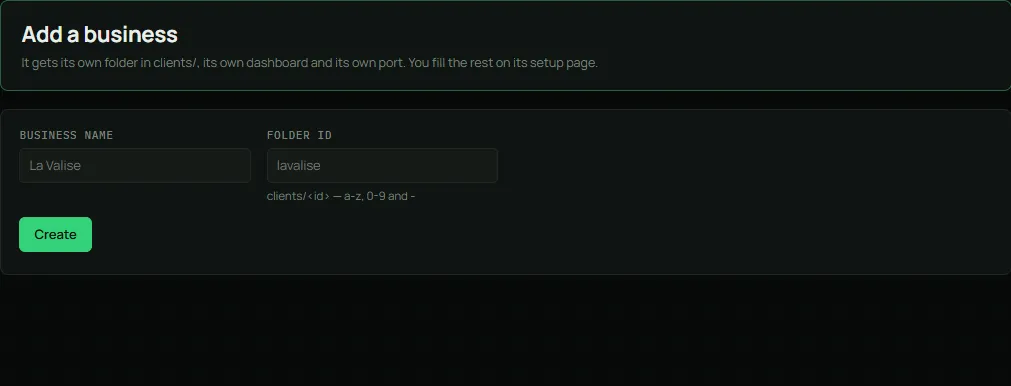
Each business opens on its own address: the first on localhost:4300, the next on 4301, 4302…
Move between them
Section titled “Move between them”With more than one business, a dropdown appears next to the name at the top of the dashboard. Pick another business to open its dashboard.

Which one opens first
Section titled “Which one opens first”The Portal opens the first business in alphabetical order. To choose another, ask Rewire, or do it yourself: in the Portal’s folder, copy .env.example to .env and write the business’s folder name after CLIENT=. Then start the Portal again.