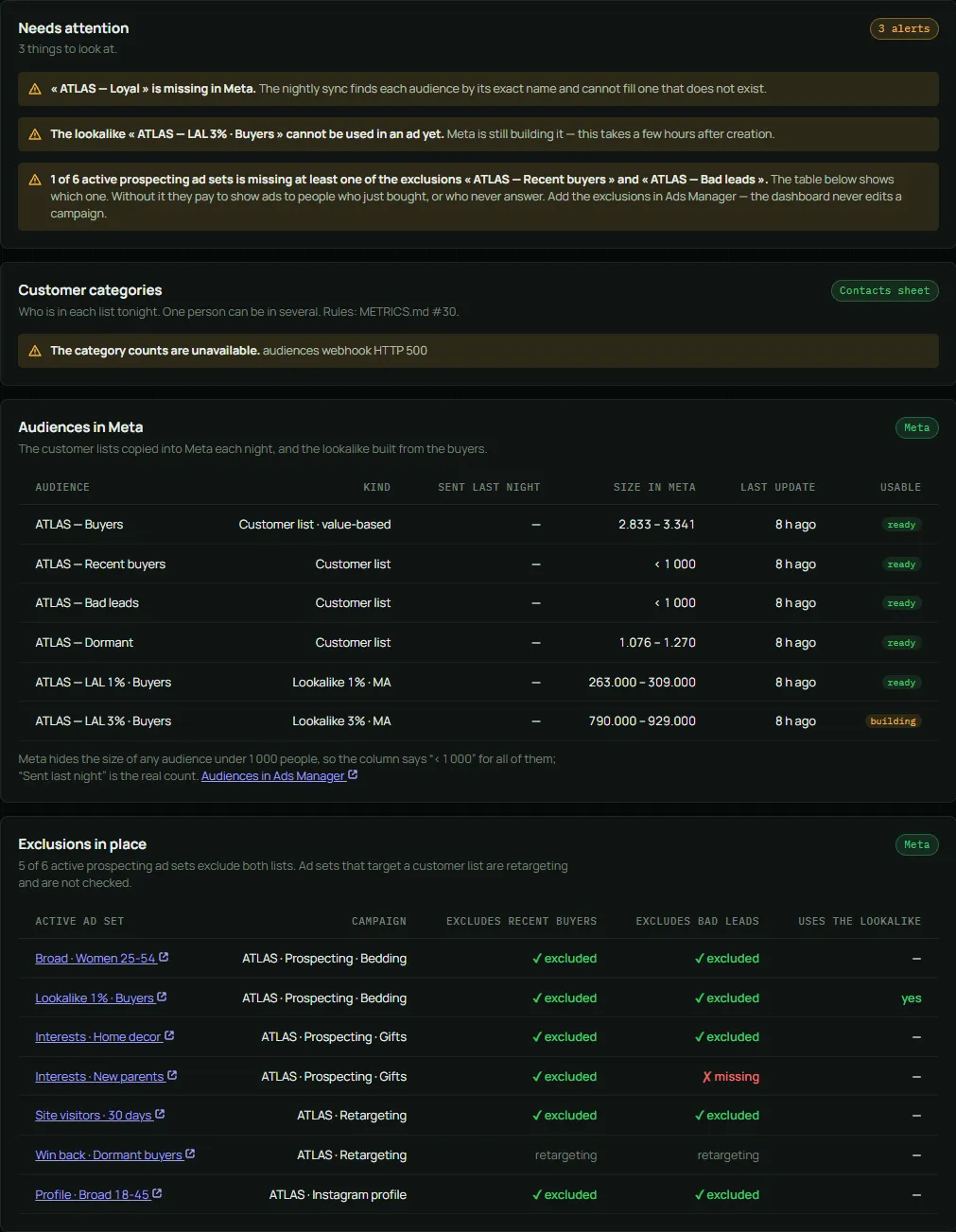
Audiences
The Audiences tab checks the customer lists Rewire’s nightly automations build from your orders: are they up to date, are they in Meta, and do your ads use them the right way? It also follows your Google reviews. It is always as of today, whatever the date range. It only ever sees counts — never a name or a phone number.
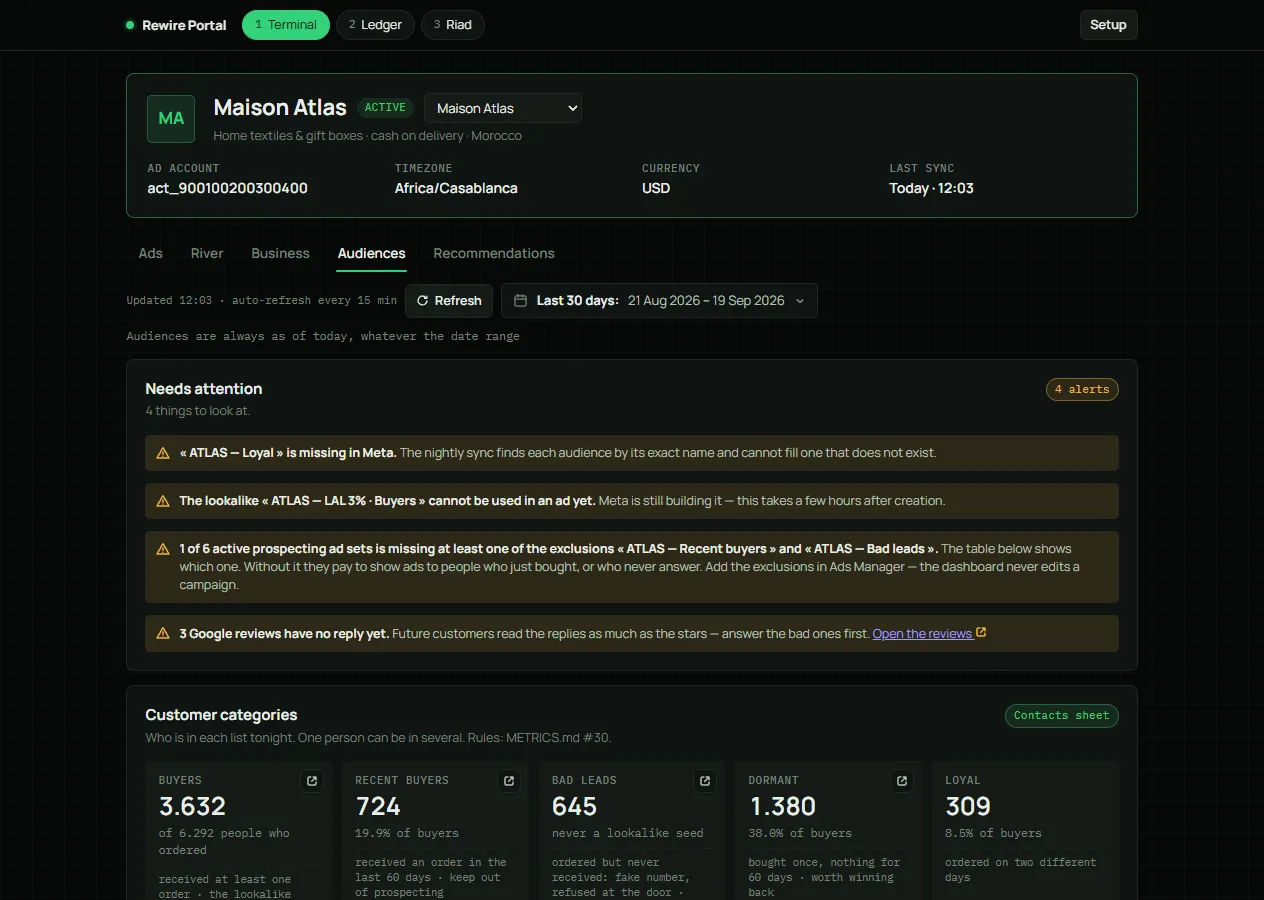
Needs attention
Section titled “Needs attention”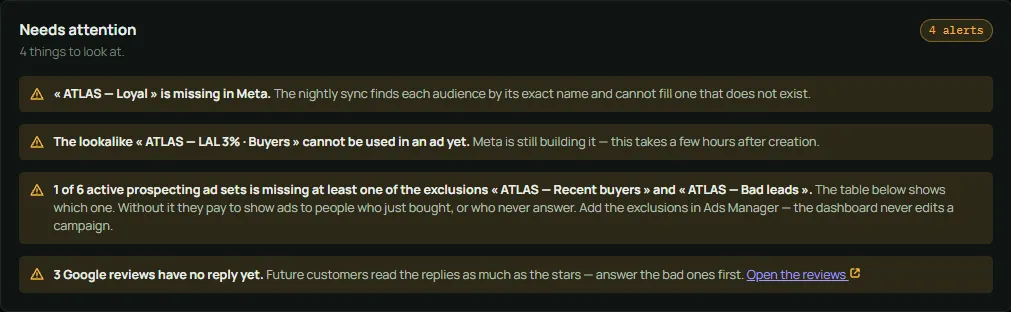
What it shows. Everything that needs you, as one list. It appears only when something is wrong. At Maison Atlas today, four things:




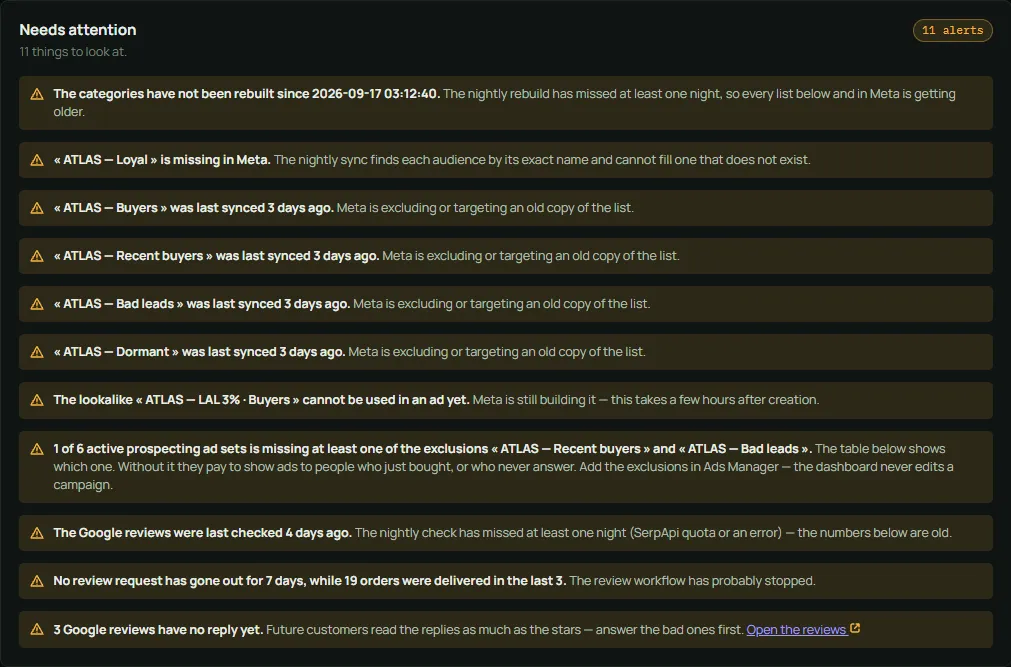
Every alert the tab can raise, here all at once:
| Alert | What to do |
|---|---|
| The categories have not been rebuilt since… | the nightly rebuild missed a night: every list is getting older. Tell Rewire. |
| « list » is missing in Meta | a list named in Setup doesn’t exist in Meta under that exact name. Create it, or fix the name in Setup → Audiences. |
| « list » was last synced … ago | Meta holds an old copy of the list. Tell Rewire. |
| The lookalike … cannot be used yet | Meta is still building it — a few hours after creation. Wait. |
| N of M prospecting ad sets are missing an exclusion | the table Exclusions in place shows which. Add the exclusion in Ads Manager — the dashboard never edits a campaign. |
| The Google reviews were last checked … ago | the nightly check missed a night; the review numbers are old. Tell Rewire. |
| No review request has gone out for 7 days… | orders were delivered but no WhatsApp request left: the review automation has probably stopped. Tell Rewire. |
| N Google reviews have no reply yet | answer them, the bad ones first — future customers read the replies. |
Customer categories
Section titled “Customer categories”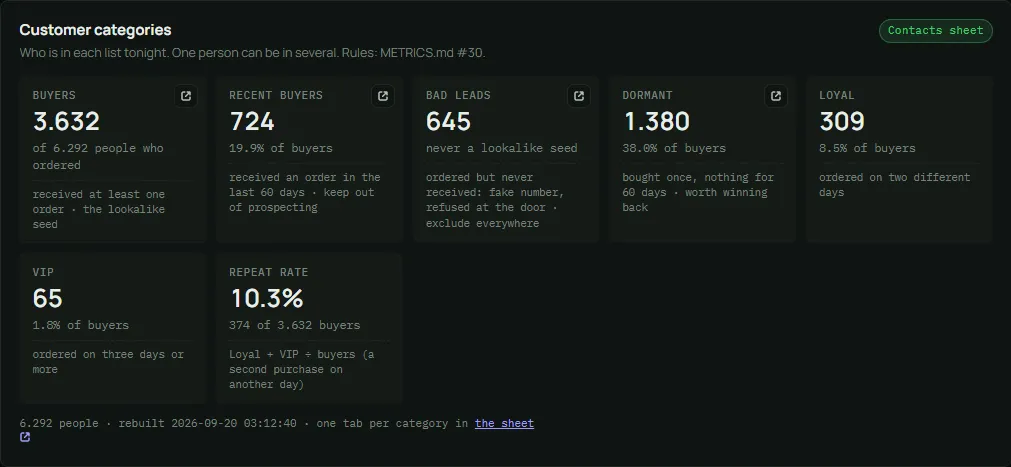
What it shows. How many people are in each customer category tonight. One person can be in several. Under each count, its share of the buyers (under Buyers: out of how many people ordered). The small arrow in a tile opens that list in your sheet. The line at the bottom gives the total number of people and when the lists were rebuilt.
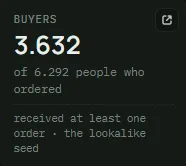
Buyers
received at least one order
Everyone who has been delivered at least once. The seed of your lookalike.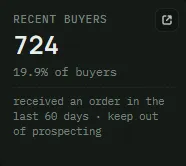
Recent buyers
received an order in the last 60 days
Keep them out of prospecting: they just bought.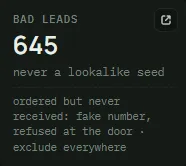
Bad leads
ordered but never received
Fake numbers, refusals at the door. Exclude them everywhere; never use them to build a lookalike.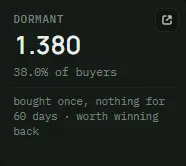
Dormant
bought once, then nothing for 60 days
Worth winning back with a retargeting ad.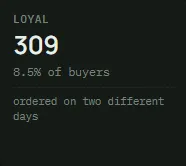
Loyal
ordered on two different days
Customers who came back once.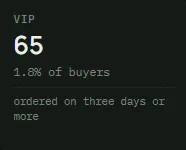
VIP
ordered on three days or more
Your best customers.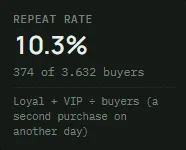
Repeat rate↑ Higher is better
loyal + VIP ÷ buyers
The share of buyers who came back on another day. See repeat rate.Audiences in Meta
Section titled “Audiences in Meta”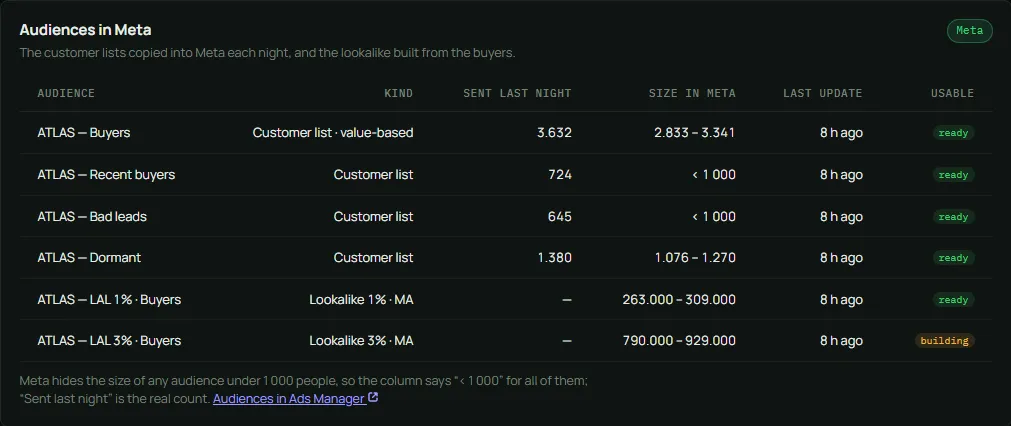
What it shows. The copies of your lists in Meta, one per row:
- Kind: customer list, or lookalike with its size and country (1 % · MA).
- Sent last night: how many people the nightly automation sent — the real count.
- Size in Meta: Meta’s own estimate. Meta hides the size of any audience under 1,000 people, so it shows < 1 000 for them; Sent last night is the number to trust.
- Last update: when Meta last received the list; a stale tag if it’s more than a day and a half ago.
- Usable: ready, building (a new lookalike, a few hours) or not ready.
Exclusions in place
Section titled “Exclusions in place”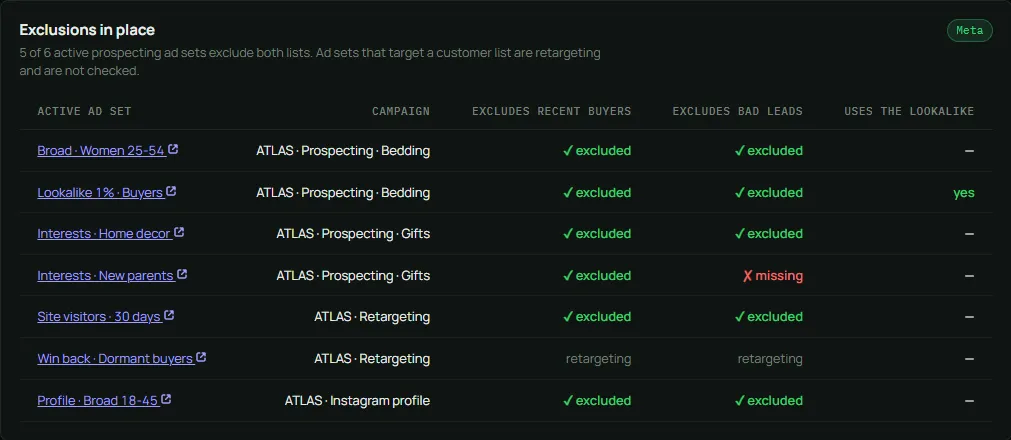
What it shows. Every active ad set, and for each list that must be excluded from prospecting (set in Setup): ✓ excluded or ✗ missing. The last column says whether the ad set uses your lookalike.
How to read it. An ad set that targets one of your customer lists is retargeting: excluding buyers there would empty it, so it shows retargeting and is not checked. At Maison Atlas, Interests · New parents is missing the bad-leads exclusion: it pays to show ads to people who never answer.
Google reviews
Section titled “Google reviews”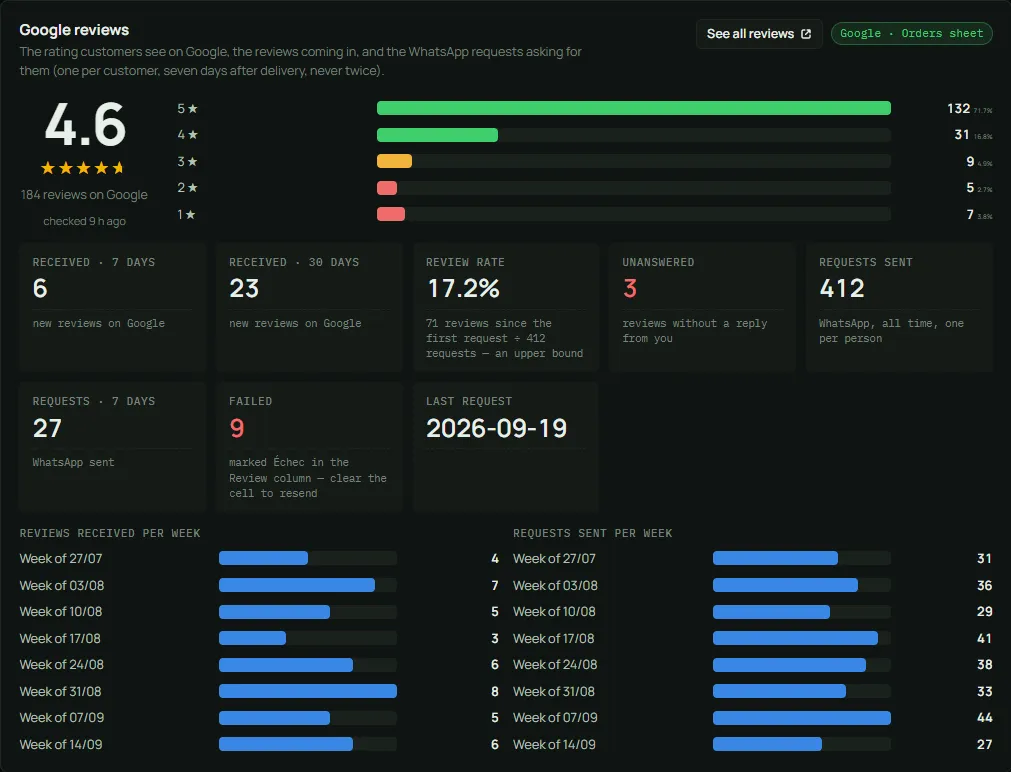
What it shows. The rating customers see on Google, its stars, the reviews coming in, and — if you send them — the WhatsApp messages that ask for them (one per customer, a week after delivery, never twice). See all reviews opens the page where you answer them.
Received · 7 days↑ Higher is better
new reviews on Google in the last 7 days
The pace of new reviews.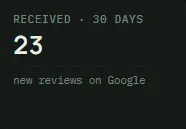
Received · 30 days↑ Higher is better
new reviews on Google in the last 30 days
The same, over a month.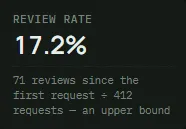
Review rate↑ Higher is better
reviews since the first request ÷ requests sent
How many requests turn into a review. An upper bound: some of those customers would have written anyway.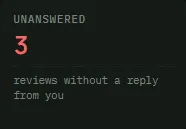
Unanswered↓ Lower is better
reviews without a reply from you
Answer them — the bad ones first.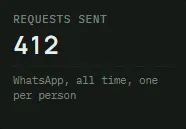
Requests sent↑ Higher is better
WhatsApp requests, all time, one per person
Everyone who has been asked.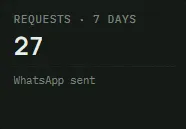
Requests · 7 days↑ Higher is better
WhatsApp requests sent in the last 7 days
The automation is running if this is above zero while orders are delivered.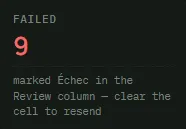
Failed↓ Lower is better
requests that could not be sent
Usually a wrong phone number. Once corrected, the request can be sent again.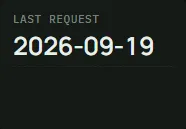
Last request
the date of the last WhatsApp request
A date far in the past means the requests have stopped.Under the tiles, two bar charts: reviews received per week, and requests sent per week, over the last 8 weeks.
If a source is down
Section titled “If a source is down”Each source is read on its own. If the customer counts can’t be read, the tab says so and still shows Meta; if Meta is down, it still shows the categories.